
Jazz Legends Illustrated Portraits
I love creating portraits. That’s no secret.
For Black History Month, I had the idea of doing a Jazz legends series. So enjoy these portraits, and may they remind you of some great music, or nudge you to explore!
If you like these portraits and would like to create your own you must learn some essential skills, for instance portrait image editing is an essential part of the process that helps to make your vision a reality. But if you do not have the time, you can always outsource your editing requirements to an experienced and professional service provider such as SmartPHOTOeditors who offer high-quality services at the most cost-effective prices.

William James “Count” Basie

Duke Ellington

Louis Armstrong

Charlie Parker

Miles Davis

Dizzy Gillespie

Ella Fitzgerald

Ray Brown
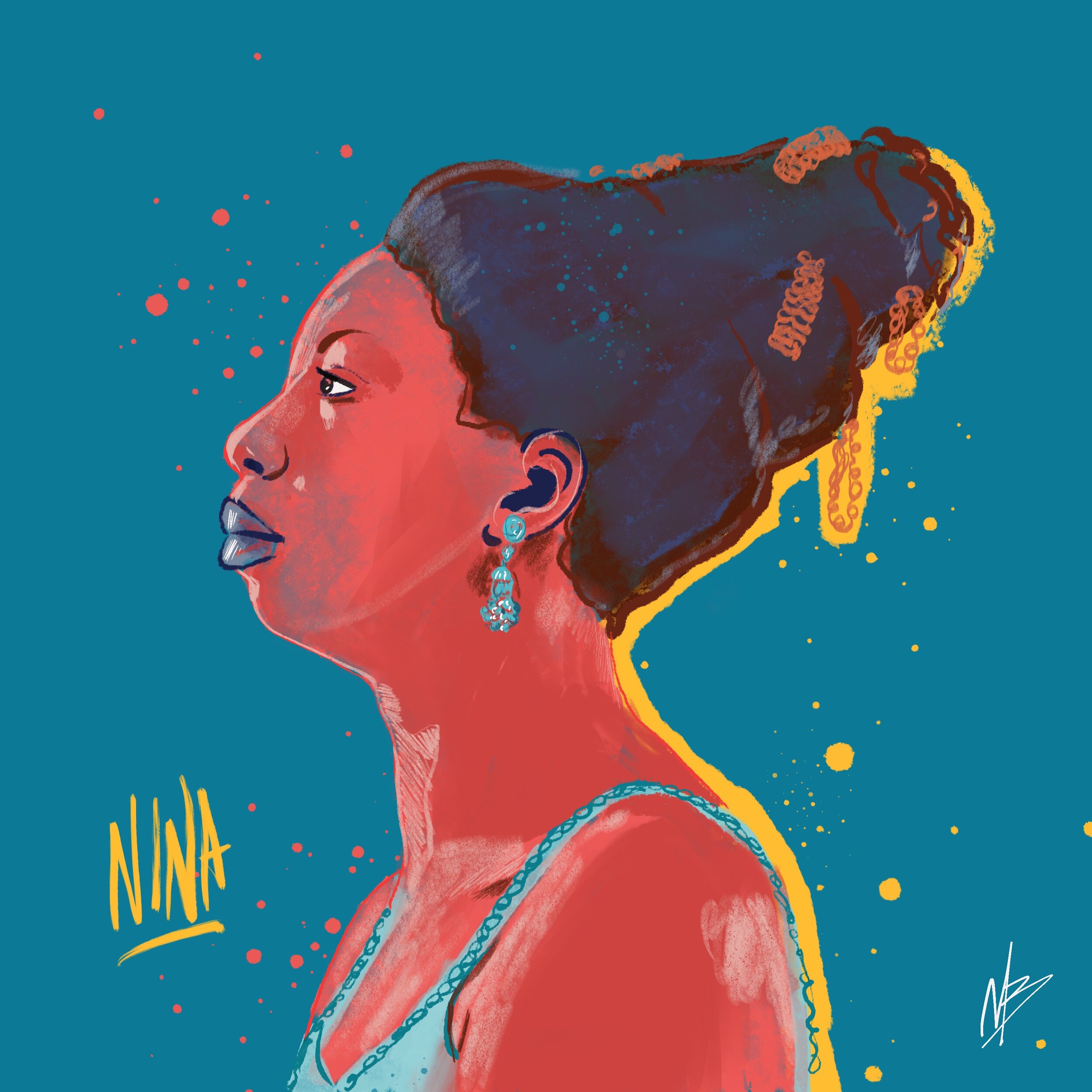
Nina Simone

Billie Holiday
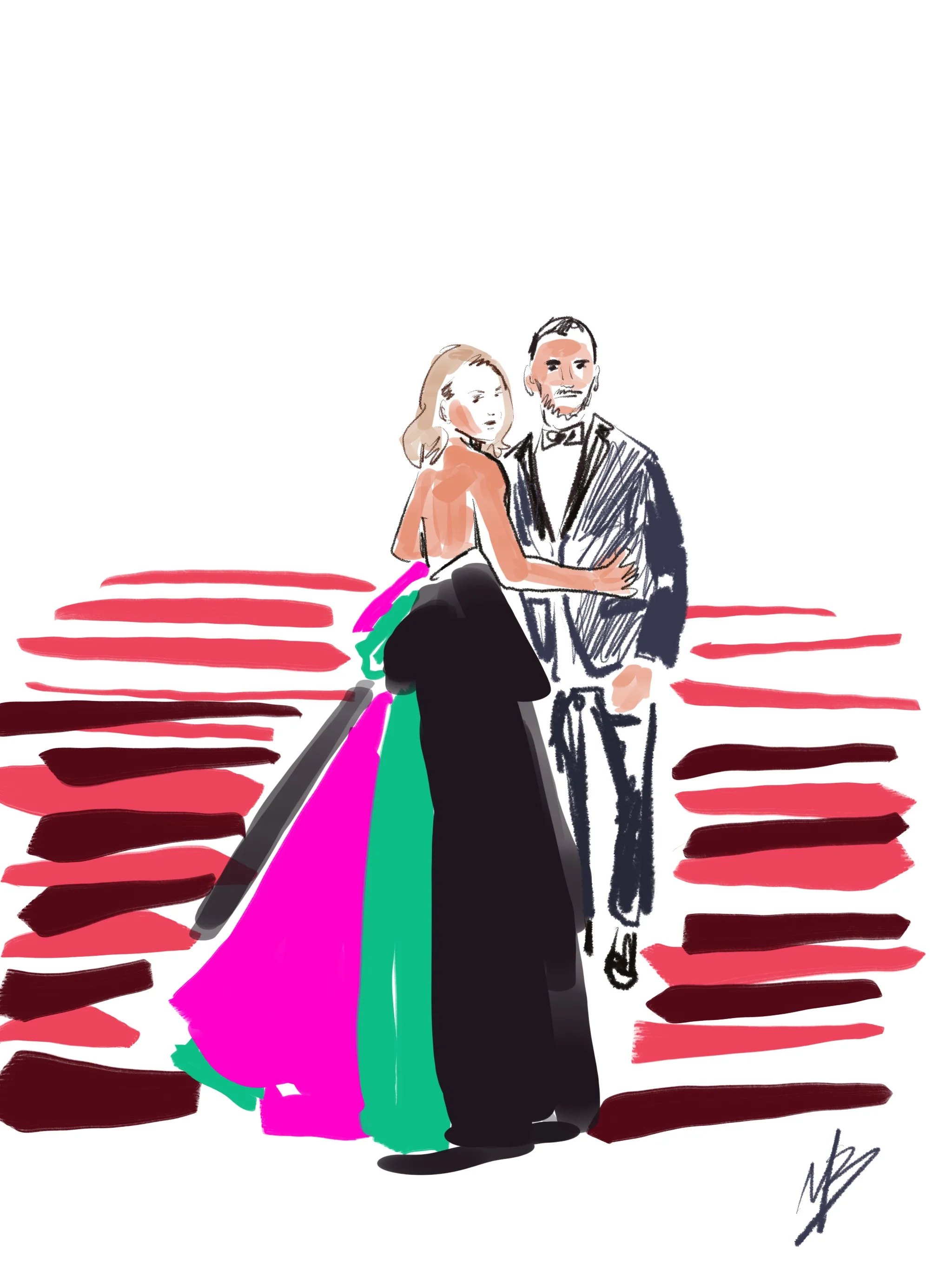
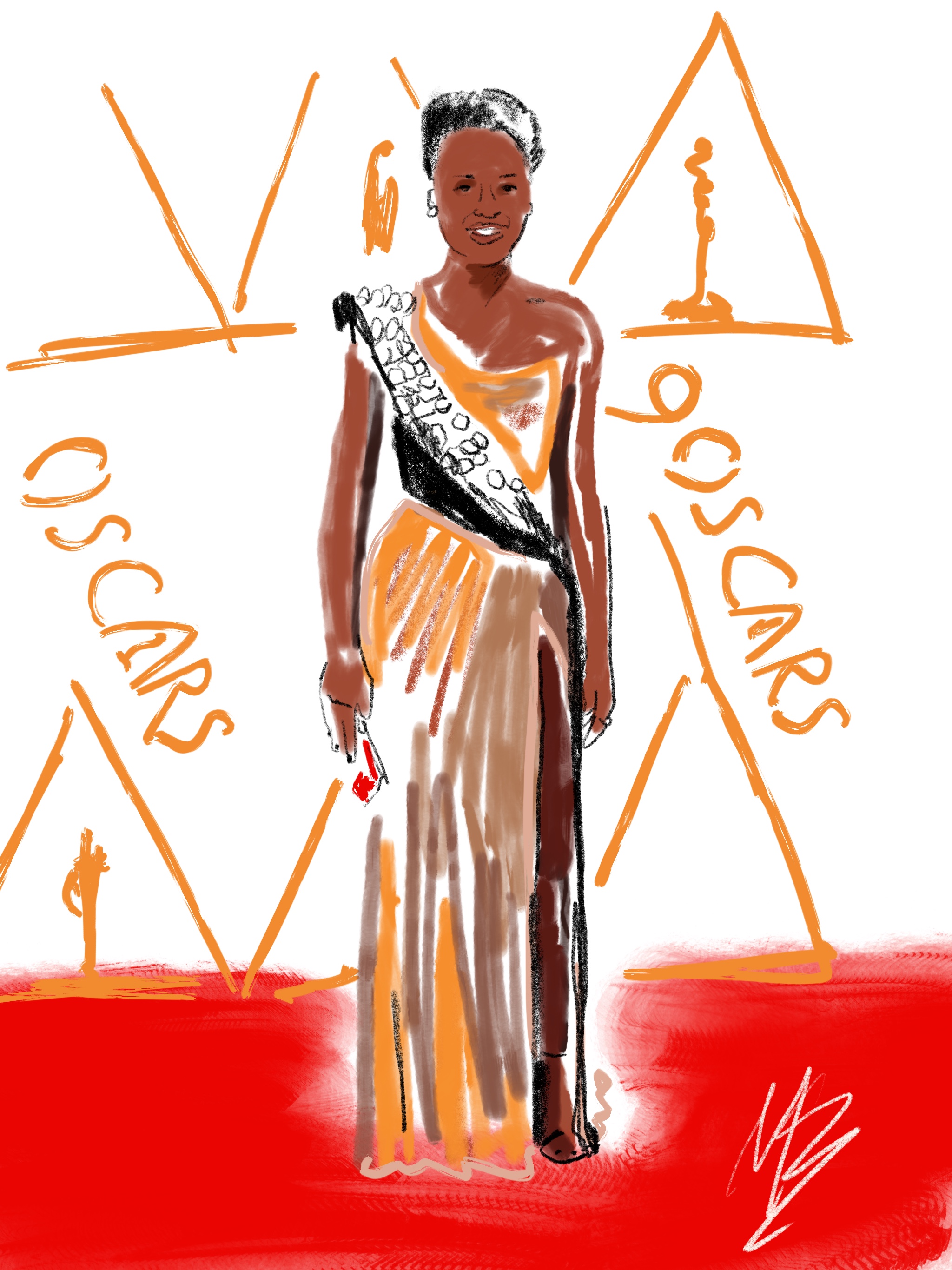
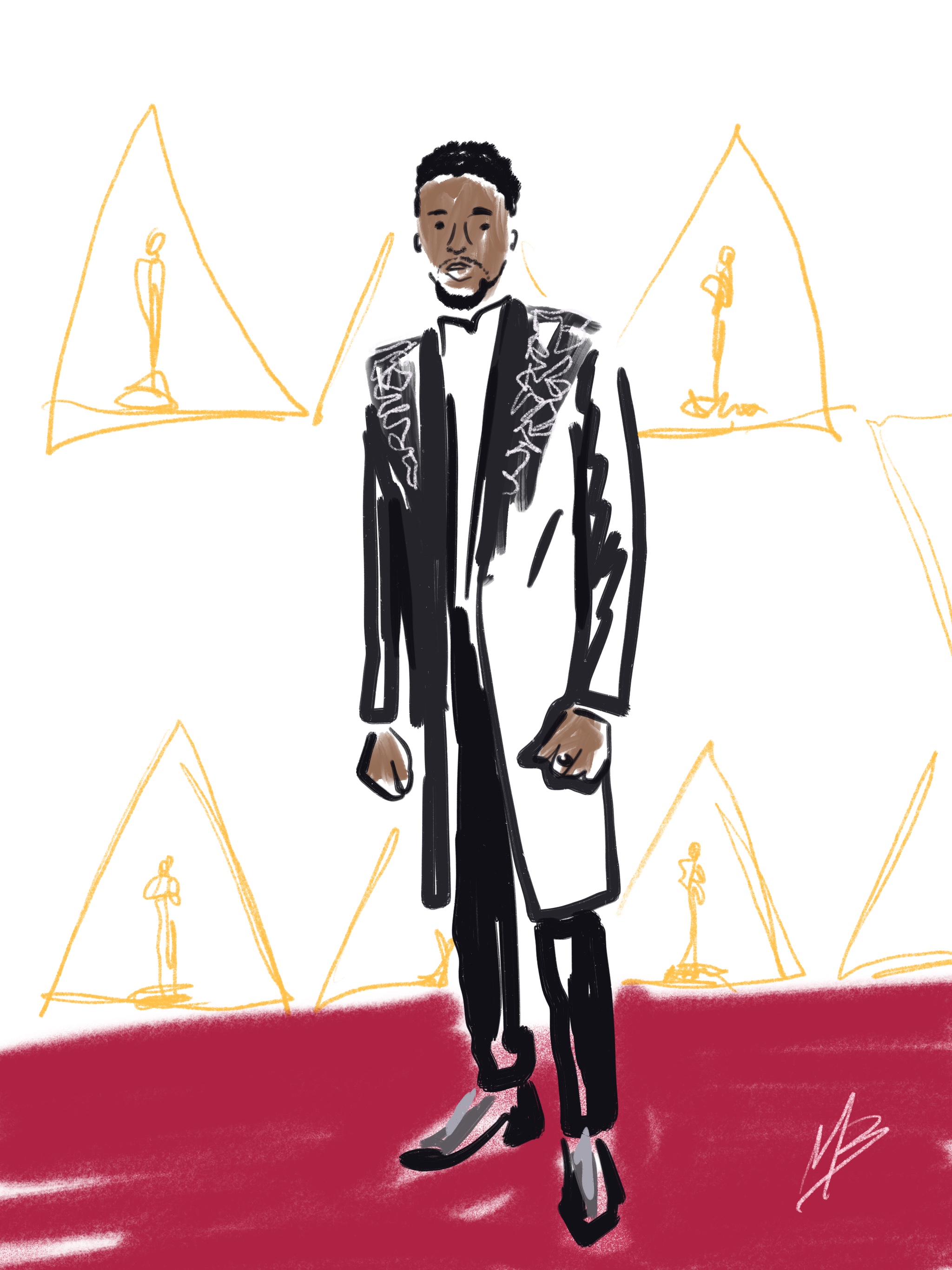
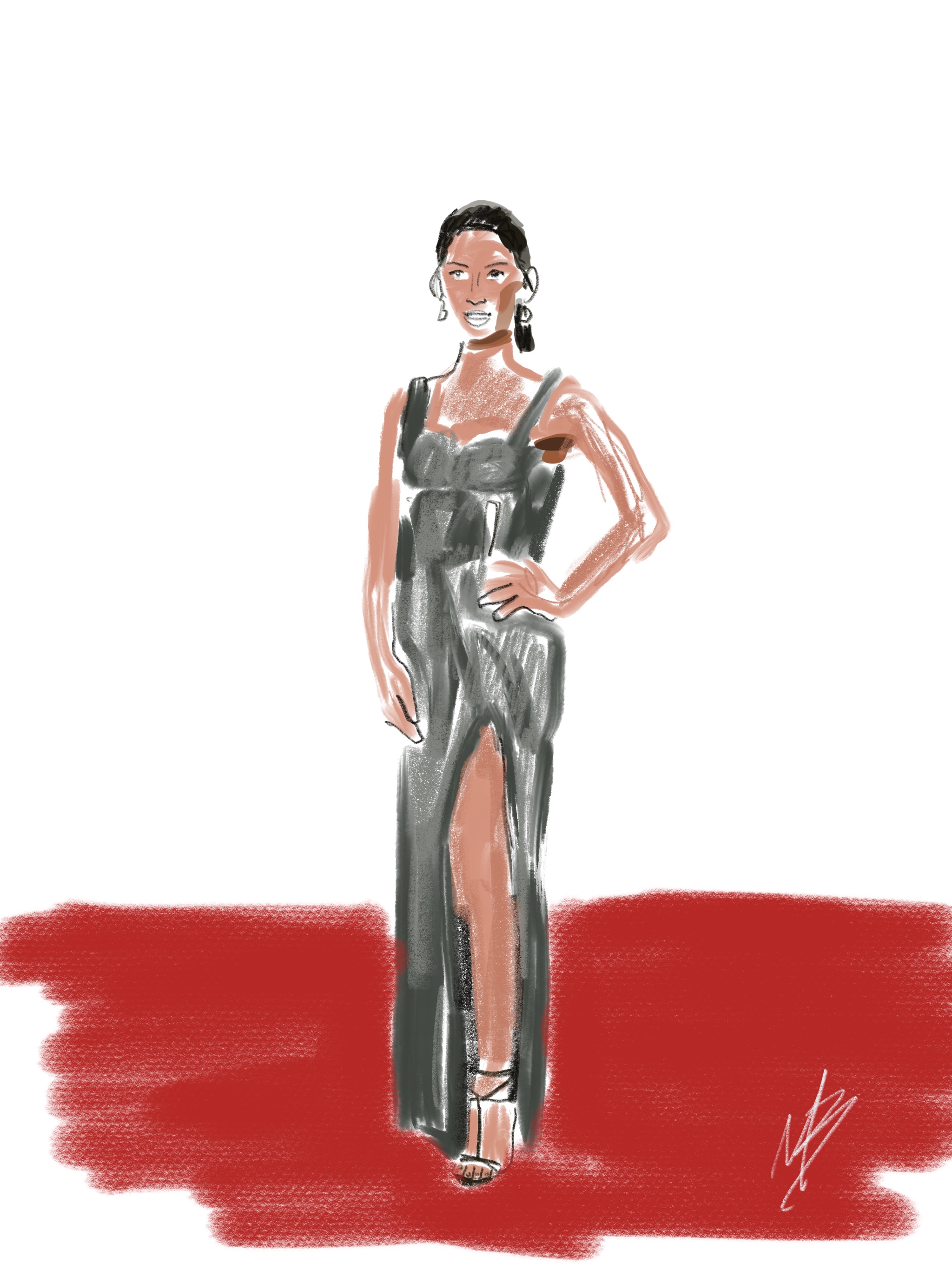
The 2018 Academy Awards Moment That Made Me Smile Big!

Kelly Ripa on the Oscar's Red Carpet
One of my favorite moments from 2018’s 90th Academy Awards show was when host Jimmy Kimmel announced the need to thank the people who truly make all the awards and accolades possible — the movie goers! He said “I don’t just want us to clap, applause is nice, but I really want to thank them.” He then proceeded to take a motley band of stars (Including Gal Gadot, Lin-Manuel Miranda, Mark Hamill, Lupita Nyong’o, Emily Blunt, Ansel Elgort, Armie Hammer, Margot Robbie and Guillermo del Toro) all decked out in their Oscar best to the TCL Chinese Theatre across the street where an unsuspecting audience was watching a preview screening of the movie “A Wrinkle in Time.”
The audience didn’t know that the theater was equipped with cameras, nor that these hollywood stars were waiting to greet them complete with candy and hotdog cannons. I loved the moments it created when the room burst into excitement. I’m sure those moviegoers will never forget that WOW experience. And it was all apart of the Oscars!
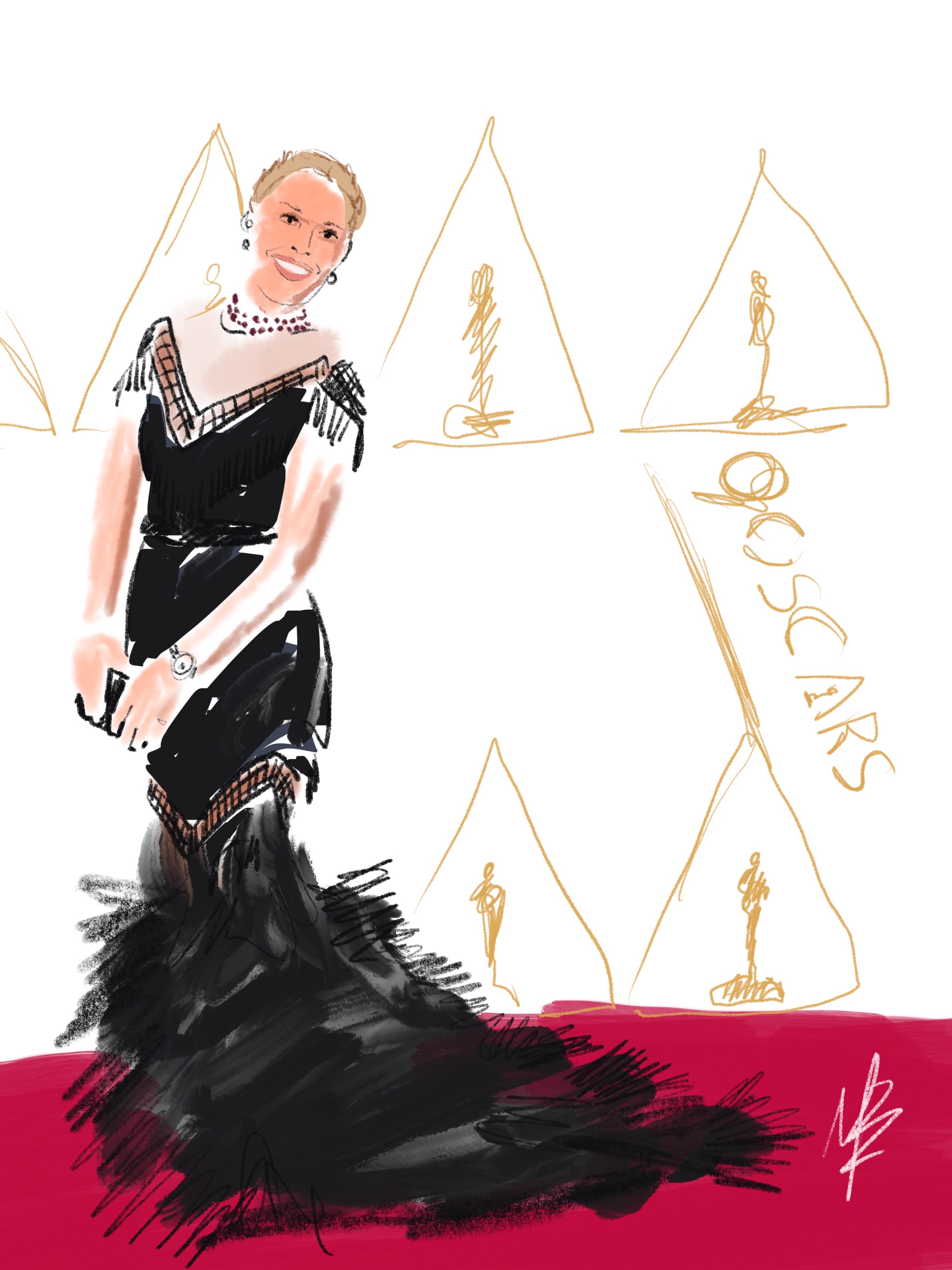
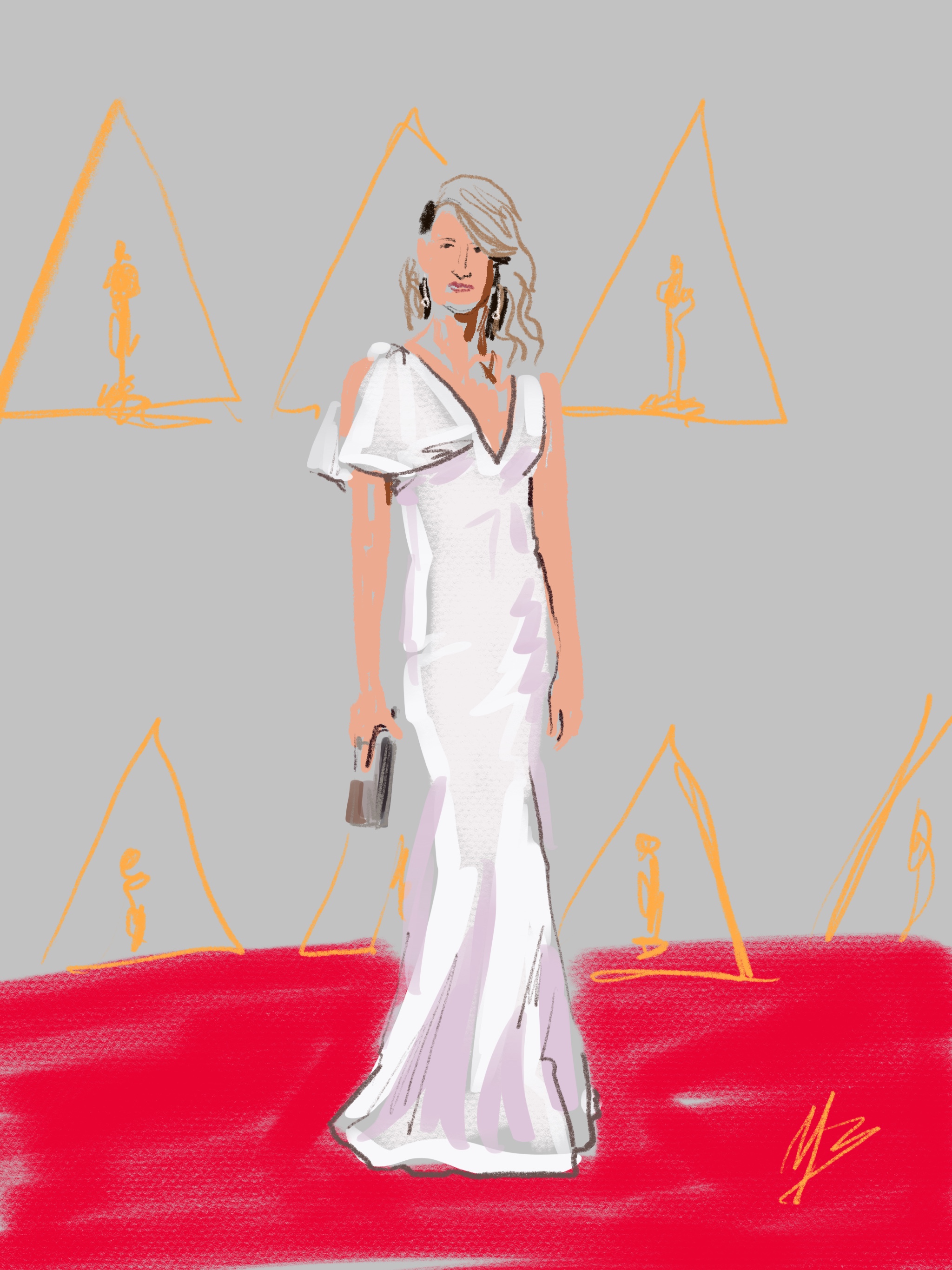
Here's some of my red carpet sketches:
Bringing Smiles Through the Art of Social Media
If you've been following me for any length of time, you know that I practice a daily art habit. I create at least one piece of art a day, and post it to social media. As of late I have also been incorporating public images I find through my social media streams, namely Instagram.
Some people have wondered why I would choose to pick a random stranger and use their post for inspiration to create a daily digital drawing. Aside from looking for ideas and inspiration, I have found that when I create a piece of art centered around someone else, it brings surprise and delight to that person (expect only once, where the person was a little apprehensive).
There has been so much noise on social media with everyone airing their opinions on current events and politics. So much hate and division. Rather than add fuel to the fire or checking out completely, I'd rather start another conversation - using social media to spread JOY and KINDNESS.
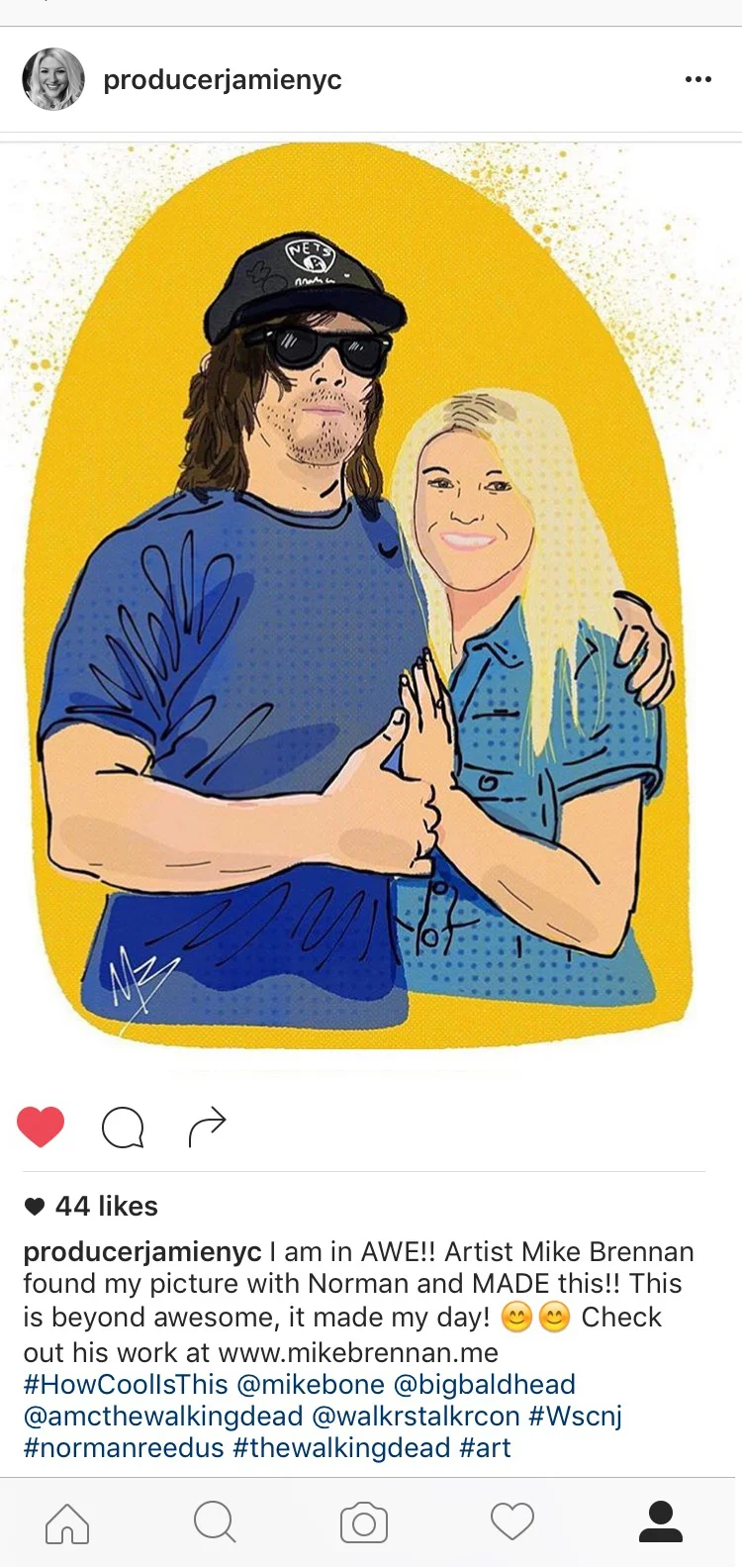
Below are two recent examples of recipients of my daily art from their posts to Instagram, along with their reactions. This is why I do it. To make people smile. To make them feel noticed and loved, even if for a moment in their day. You never know what someone else may be going through. And as an Artist, you have the power to use your art to benefit someone else's life. I mean, it's blessed you in the act of creating it right? Why not share that blessing?
Where can you share your talents or art to enrich the lives of others? Try it for 7 days straight and see what happens. I'd love to hear about it!

One of the many Yoga inspired digital drawings I've done as of late. @flyandreleaseyoga

This drawing was following a recent Walker Stalker event, where I was part of the Artist Alley. So many fans of The Walking Dead were excited to meet their favorite stars. I just had to capture this moment from @ProducerJamieNYC with #NormanReedus @BigBaldHead
Stories Behind the Art: Episode 1
Today I used Periscope (a live stream broadcasting app) to do something a little new. I'm starting to share some of the stories behind my art.
Today I used Periscope (a live stream broadcasting app) to do something a little new. I'm starting to share some of the stories behind my art. Here's the video for your enjoyment. Are you on Periscope? Follow me!
Sketchclub video: Drawing my Daughter
This time around, I'm going to show you my process in an app for the iPad called Sketchclub. One of the great features of Sketchclub is the ability to add layers and gives you a host of options for brushes and pens. I combine some of my analog drawing techniques with some of my photoshop design background. The result is a very fluid, organic process and feel that takes advantage of the tech side as well. Hope you enjoy this recording straight from Sketchclub itself. https://youtu.be/xIYaRU_VUFM
A Quick Sketch
A quick time lapse video of me sketching in my Moleskine watercolor sketch book.
Creating Summer Troopers
Let's face it, here in the Northeast, we're all beyond sick of snow this winter. So besides complaining on Facebook, I found a little inspiration to follow hoping it leads to sunny days soon. I was perusing my Facebook stream and came across the following photo from the Star Wars page I follow (don't judge). As soon as I saw it, my mind saw the image I needed to create.

The following was my process on creating "Summer Troopers" as a digital art file on my iPad.
First I downloaded the Trooper photo from Facebook to my photo camera roll on my iPad.
Then using an app called "Sketchclub" I created a new document and placed the photo on the first layer. After rotating and scaling, I changed the opacity to somewhere around 50%.
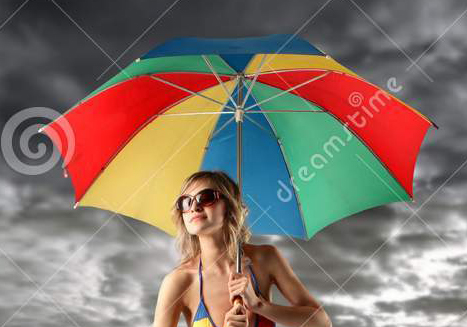
The I went hunting for the additional images I needed to use as source for the umbrella and man's legs/swim trunks. Once I found those I imported them on separate layers, scaled them, cropped out all the excess of the image and change the opacity to 50% as well.

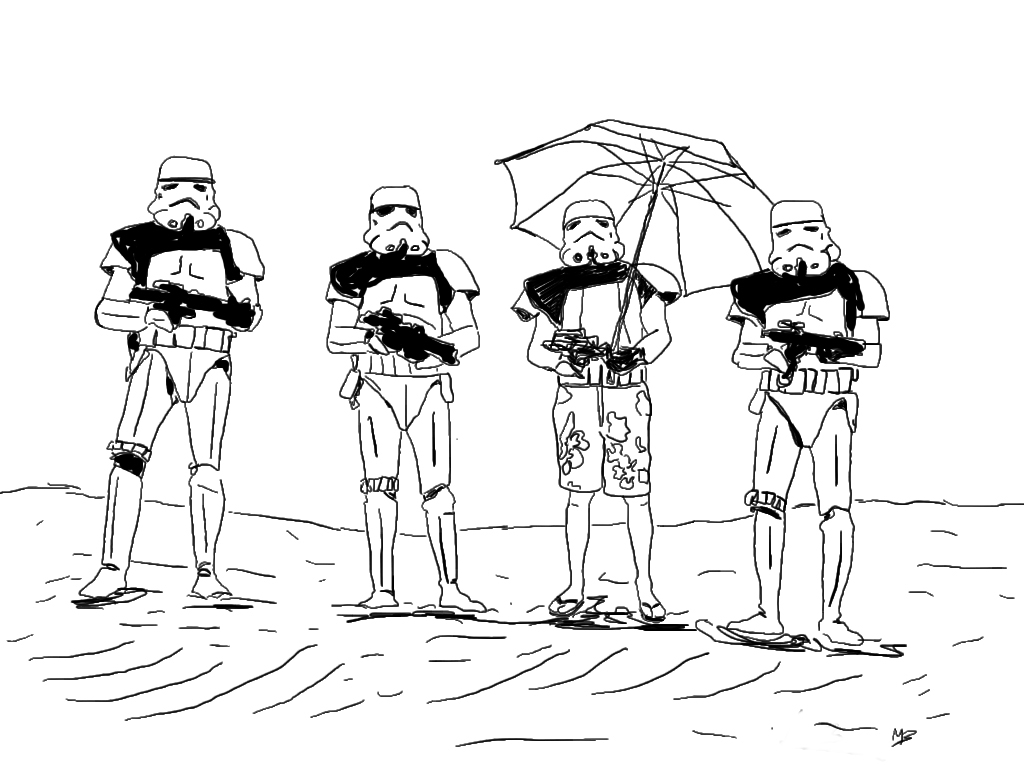
Starting with the Trooper layer, I selected a new layer where my black line art would live. Once I hid the umbrella & swim trunks layers - I was ready to trace over the troopers with a black fountain pen setting.
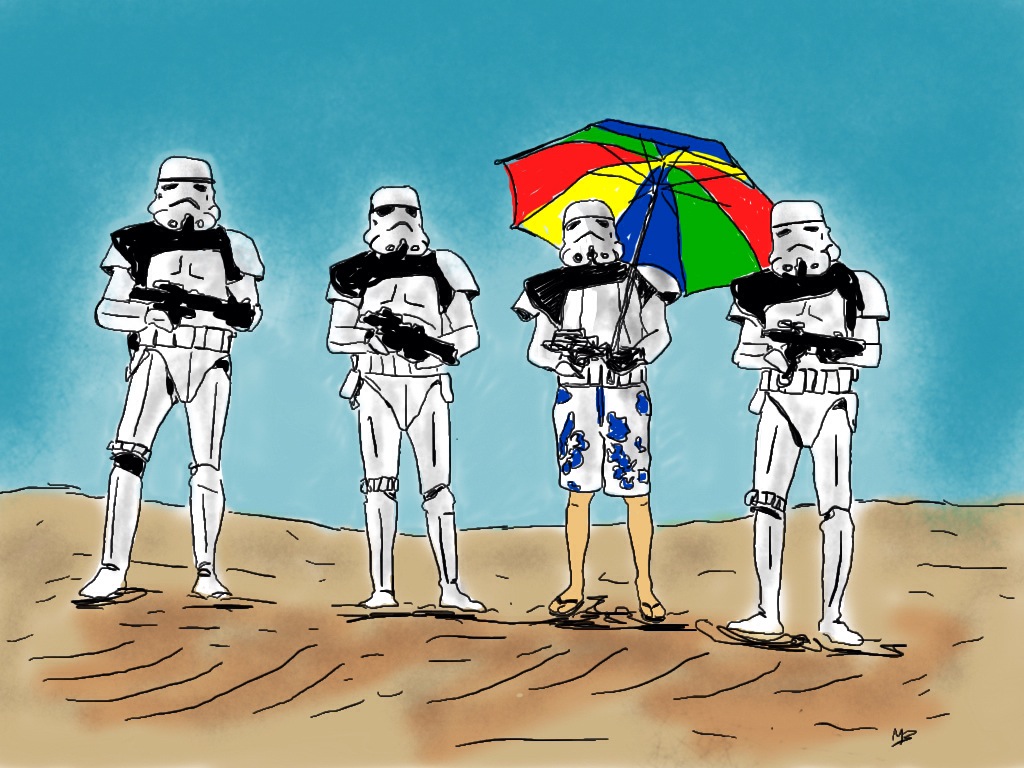
I did the same process for each the umbrella layer & the swim trunks layer until my black line drawing was complete. Then I selected another layer where i added flat colors for the ground and the sky. I placed this layer underneath the line art. I then created another layer on top of the flat color to add a few shadow spots and set the layer to "Darken" mode and decreased the opacity to taste. The only portions left to color were the umbrella and swim trunks, so I created another layer directly under the line art and applied the color with a brush tool.
Once my art was complete I saved a JPEG back to my camera roll. Then I opened that Jpeg in an app called Snapseed (a great little photography app!). In Snapseed I adjusted some contrast, saturation (in the "Tune Image" area), added a frame from one of the presets (Frames) that gave it a nice messy edge, and lastly some texture (The Grunge feature - messed around until I got the style & strength I wanted), added some "scratches" for final touches. The reason I added a frame and then the grunge waas so that the grunge effect would show on the frame as well as the image area. Finally, I exported again to my camera roll and Viola - the final digital image of "Summer Troopers"
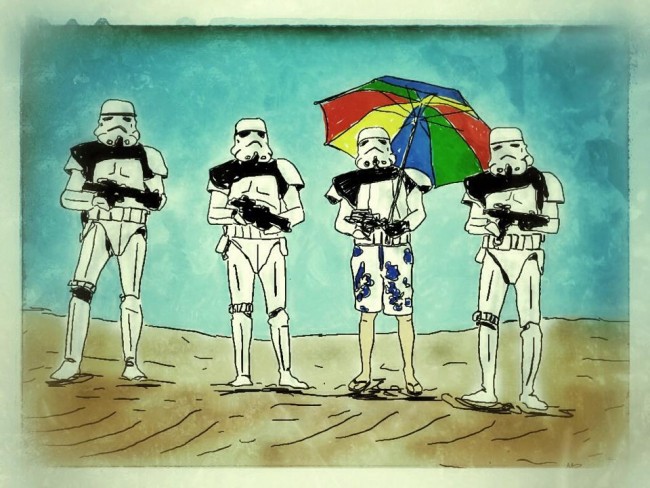
I hope you enjoyed that quick description of my process. Just remember - have fun, play and remember there's a bunch of tools and methods to help you experiment! Happy creating!